Audits and Insights
Analyze page performance with audits and detailed engagement insights
MarketDragon provides two complementary analytics tools on each connected page: Audits for content health checks and Insights for ongoing performance tracking.
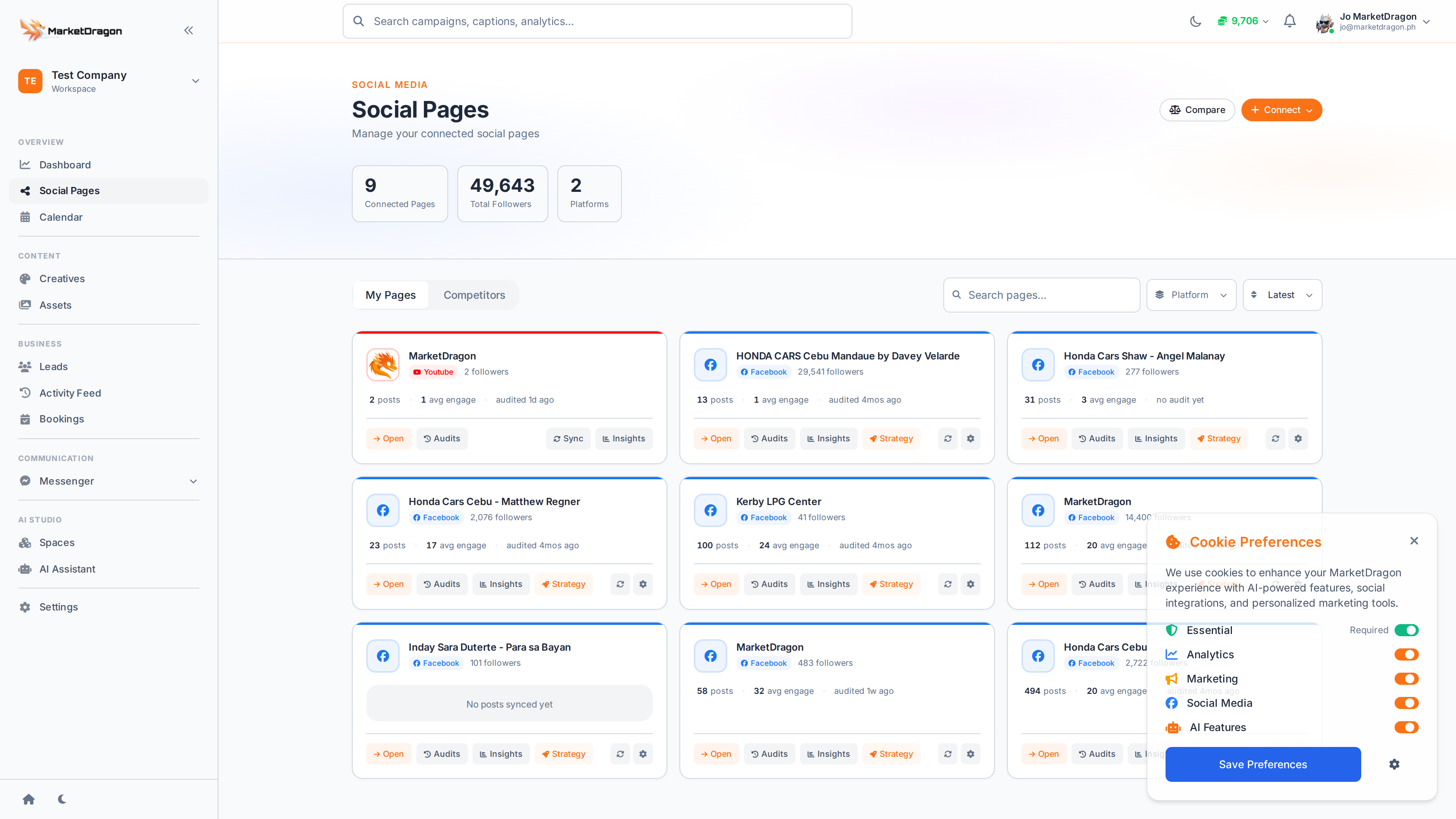
Insights
Navigate to a connected page and click Insights in the sub-navigation.
Available Metrics
- Reach -- Number of unique users who saw your content
- Impressions -- Total number of times content was displayed
- Engagement Rate -- Interactions divided by reach
- Follower Growth -- Net change over the selected period
Date Range
Use the date picker to adjust the reporting window. Compare different periods to see growth trends.
Post Performance
Below the summary charts, each post is listed with its individual metrics so you can identify top performers.
Audits
Click Audits in the page sub-navigation to run or view content audits.
An audit evaluates:
- Posting frequency and consistency
- Content mix (images vs. videos vs. text)
- Engagement patterns by day and time
- Areas that need improvement
Tip: Run audits monthly to track your improvement over time and catch issues early.
Competitors
The Competitors tab lets you add rival pages and compare their metrics against yours. Track their posting frequency, engagement, and follower growth alongside your own data.
Next Steps
Video tutorial coming soon
A video walkthrough for this tutorial is being produced. Switch to Read mode for the full written guide.