Build it once.
Run it for
every batch.
Spaces is one board where image, video, audio and 3D steps are wired together. Wire the flow once, then open it again whenever you need the next batch — no code, no juggling five tools, and nothing spends until you press a card.
Building a board is free — credits are spent only when a card renders. Free-plan downloads carry a small MarketDragon watermark; Plus clears it and refreshes your credits monthly.
In the fog of Sekigahara, a lone samurai must choose which banner to serve — and one turn of his blade ends a war.
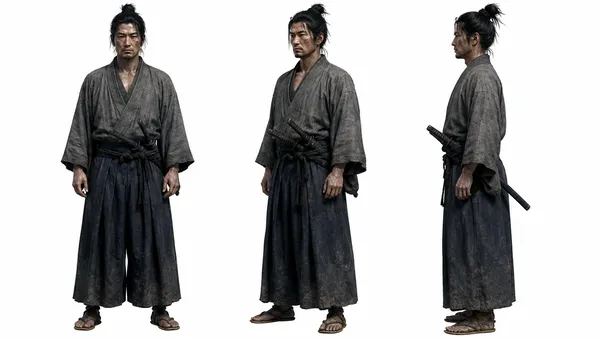
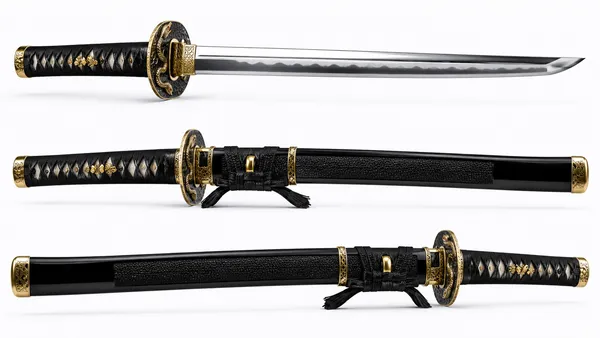
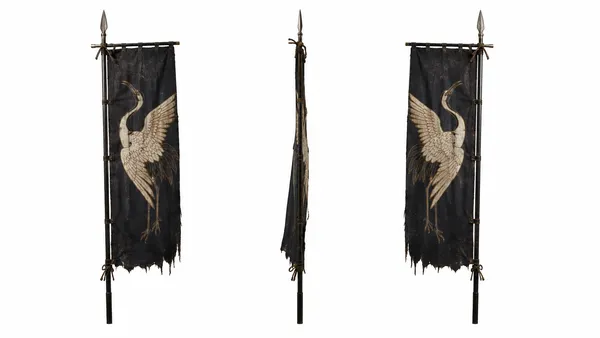
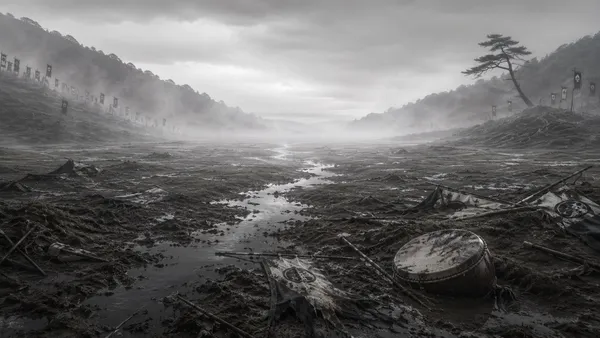
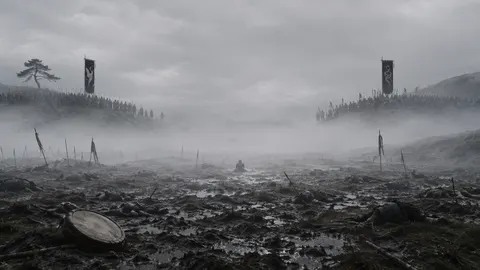
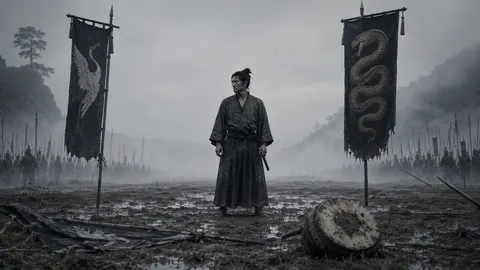
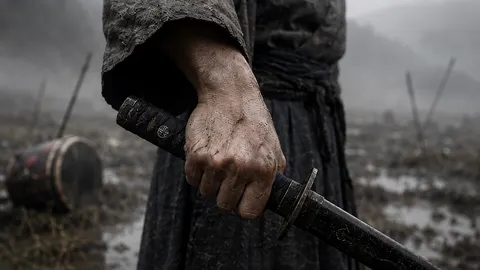
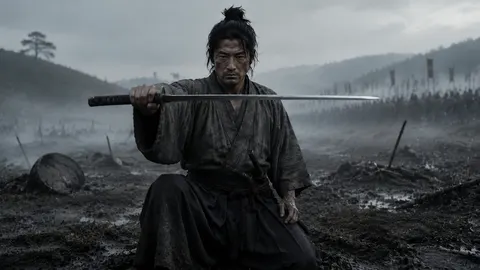
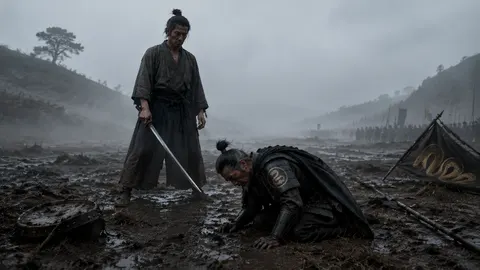
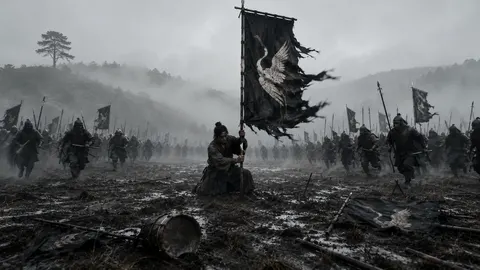
Real frames and clip from Kiri, a film made in the Forge. Board layout illustrative.
One pipeline on one board
The cast and the location wired into a prompt, and the prompt into the finished shot.
Stop hopping between five tools
Generation and editing live on one board instead of five tabs.
- Write captions in one app, generate images in another
- Export, re-upload, and stitch results by hand
- Rebuild the same steps from scratch every time
- Start over from an empty page for the next batch
- Connect text, image, video, and audio nodes on one board
- Outputs flow node-to-node — no exporting in between
- Save the pipeline and re-run it for the next campaign
- Send the finished file on to the video editor, or download it
Build it once, re-run it whenever
The pipeline you wire today is the one you re-run for next month's batch.
-
01
Drop in nodes
Pick from 13 node types — text, image, video, audio, 3D, and more — and place them on the board.
-
02
Connect the flow
Wire one node into the next so a prompt feeds an image, an image feeds a video, and so on.
-
03
Render one card at a time
Press a node to render it — one card, one press, one charge. The queue shows what is ready and what it costs, and nothing spends until you press.
-
04
Cut it or reuse it
Send the clip, still or audio track straight into the video editor — no download step — or take the file off the board. Then save the pipeline and open it again for the next batch.
Working out how long yours should run? How many scenes does your film need?
One brief, a whole board laid out
Tell the Director the film in plain words. It lays out every scene as cards — the sheet, the motion and the sound — so you start from a full board, not a blank one.
Thirteen node types, one board
Every kind of AI generation, snapping together.
Turn a prompt into a finished visual, then pass it downstream to the next node.
Animate stills or generate clips, all inside the same flow as your images.
Add voiceover, music, or sound design nodes to complete the piece.
Generate explorable 3D worlds as a node — the shared pattern for spatial content.
Fan one prompt out to multiple outputs, or merge several inputs into one node.
Drop an upscaler node on the end of the chain to finish the file at a larger size.
No surprise charges, and no dead end at the export
Two things people ask before they trust a board like this with their work — and if you make the same kind of thing over and over, a pipeline pays for itself.
One card, one press, one charge — never a board that runs itself. The queue shows what is ready and what it would cost before you commit.
The cost is read again the moment you press. If your credits fall short it stops and tells you the gap, and a card that fails halts the queue instead of spending down the rest.
Pull a clip, still or audio track straight onto the timeline, or open a whole film from the Forge in one press. No downloading and re-uploading to get from one to the other.
Questions, answered
See the studio work first
Start free and wire your own board, or storyboard an idea first with no account and no card. Building is free; only rendering spends.