Page Overview
See a connected page's performance summary, recent posts, and key metrics
When you click on a connected page in Social Pages, you land on its Page Overview. This is the control center for that specific account.
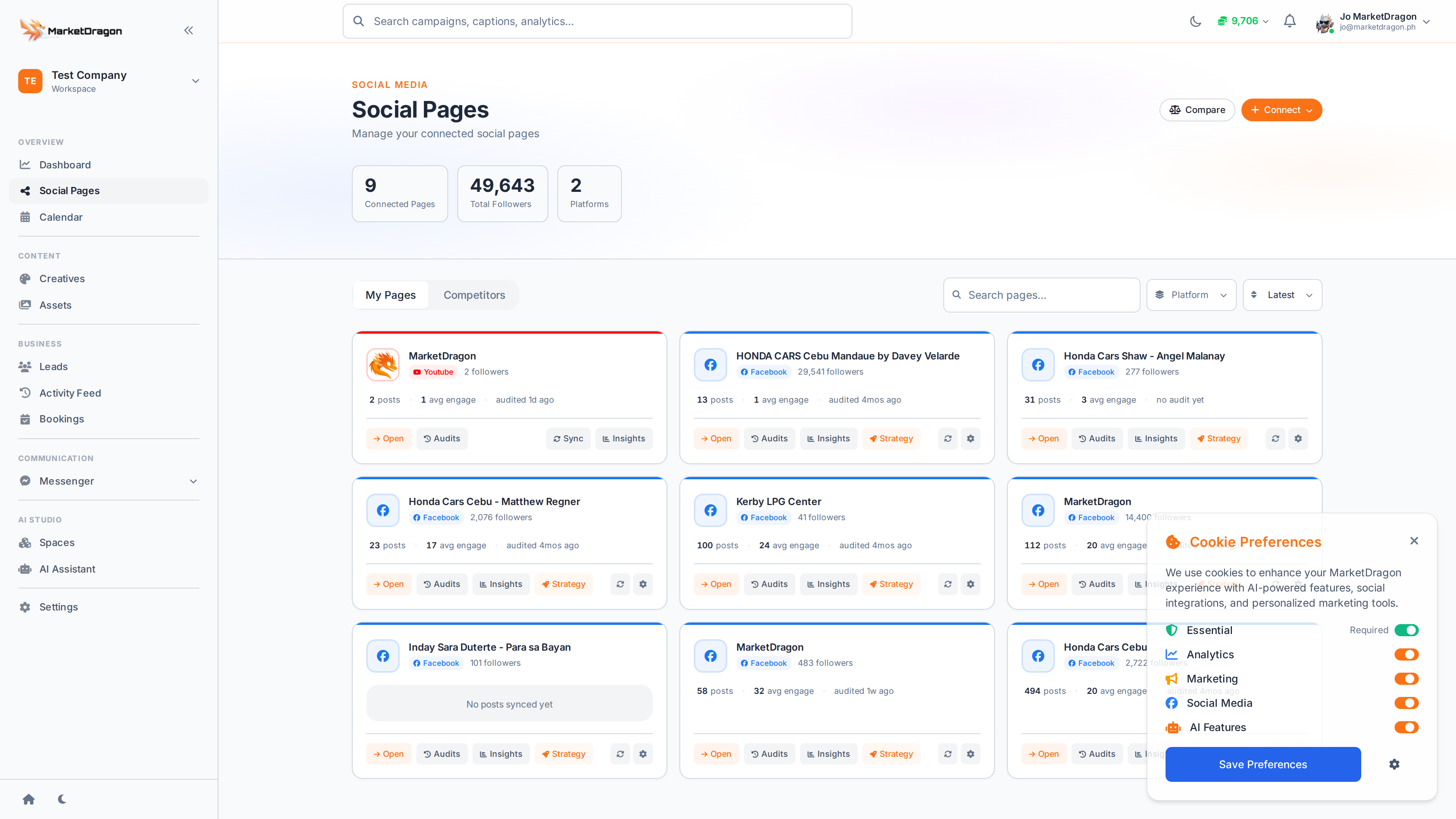
What You See
The Page Overview is divided into several sections:
Performance Summary
Top-level stat cards display:
- Followers -- Current count and recent change
- Engagement -- Likes, comments, and shares
- Reach -- How many people saw your content
- Messages -- Unread conversation count
Recent Posts
A list of your most recent posts with engagement metrics. Click any post to view its full details, edit it, or check comments.
Quick Navigation
From the Page Overview, the sub-navigation gives you direct access to:
- Posts -- Full post list and creation
- Page Messenger -- Conversations for this page
- Page Leads -- Leads attributed to this page
- Page Bookings -- Bookings from this page
- Insights -- Detailed analytics
- Competitors -- Track rival pages
- Page Settings -- Configure page-specific options
Using Page Overview
- Check this screen daily to spot engagement drops early
- Use the recent posts list to identify your best-performing content
- Jump to Page Messenger when you see unread messages
Next Steps
Video tutorial coming soon
A video walkthrough for this tutorial is being produced. Switch to Read mode for the full written guide.