Build your films fast.
Type one idea. The board lays it out frame by frame, then turns the frames into moving shots. You direct it in plain words, no editing skills needed.
- No card to start
- Storyboard without signing up
A martial artist fights a gang to get his lost cat back
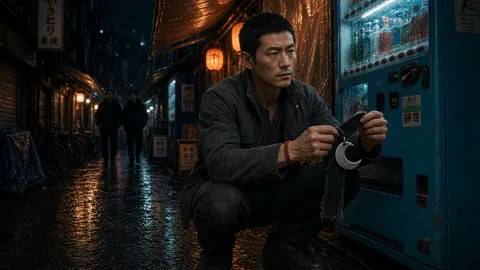
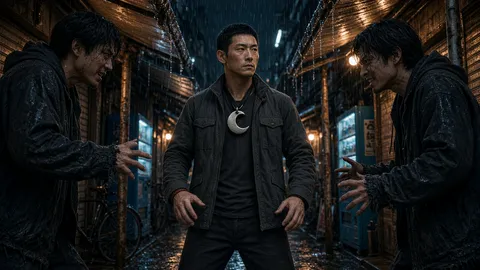
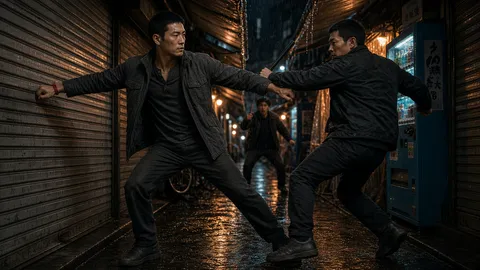
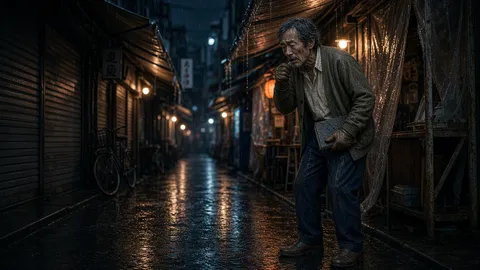
Real frames and clip from a Spaces board. Layout illustrative.
Four tools. One studio.
From the first idea to the finished cut, in one place. Your cast, your look and your files stay put as you move between them.
 Forge
Forge
Write it, cast it, render it
Describe a film or an ad. It writes the script, casts it, and renders every shot with the sound already in.
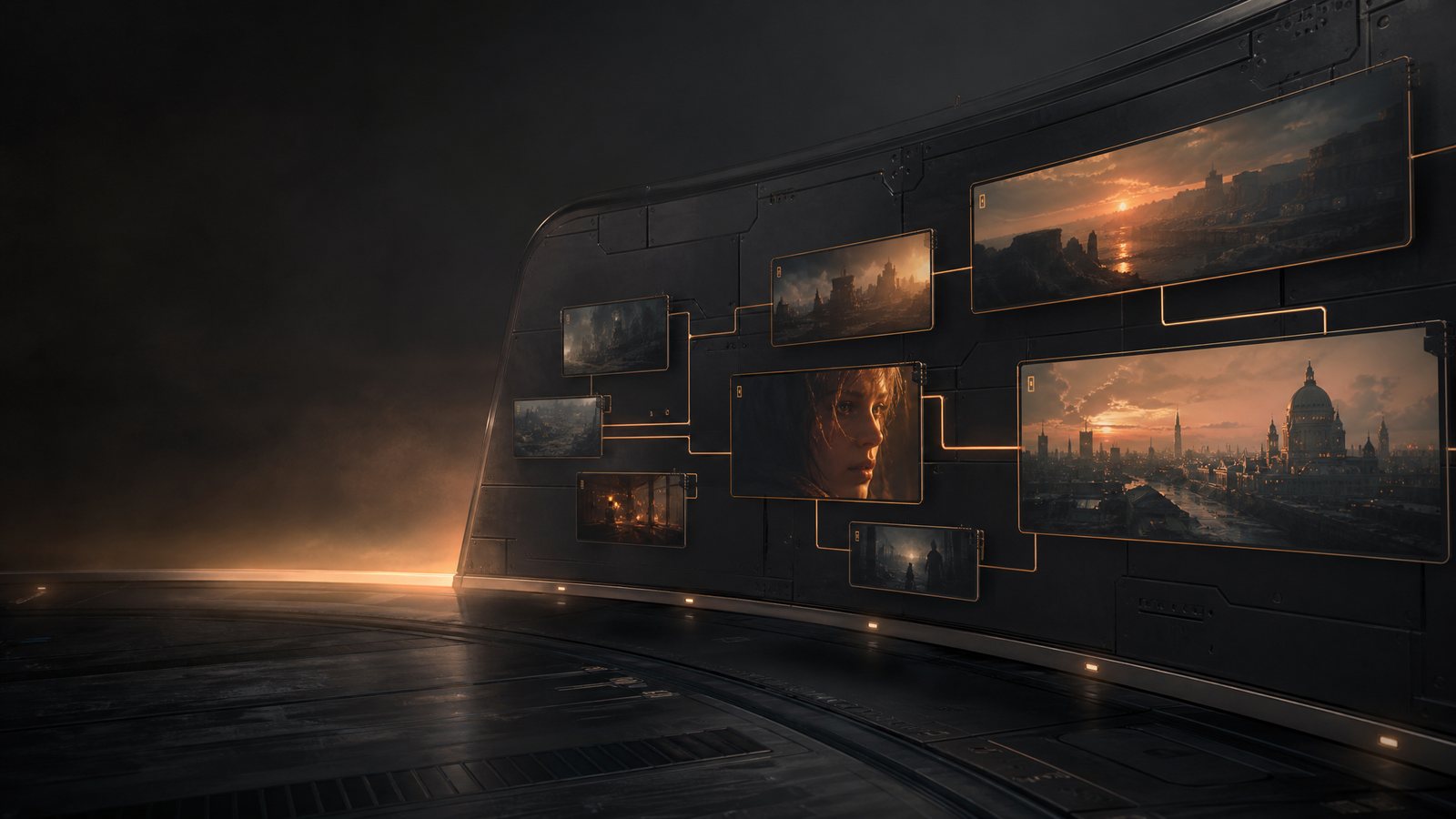 Spaces
Wire your own pipeline
Wire image, video and audio steps into one board. Build the pipeline once, run it for every batch.
Image and video generation
Make stills and clips from a prompt and your own reference photos.
Bloop, the assistant
Ask him for the one thing you need: he writes it, makes the picture or the clip, or changes a picture you already have.
Five reasons the folder is full of five-second clips.
If you have tried to make something real with an AI generator you already know all five, and what each one costs you. Each is paired with what answers it, and the part of the studio it lives in.
 Continuity
“The face changes every shot.”
Shot 8 is a different person from shot 2. You either ship the inconsistency or start the scene over — and the model has no memory of what it just made.
Cast it once. Tag it everywhere.
Generate a character, or upload a photo of a real person or product, and it becomes an @tag. Type that tag in any shot and the same face, wardrobe and location come back — for the whole film, not the next prompt.
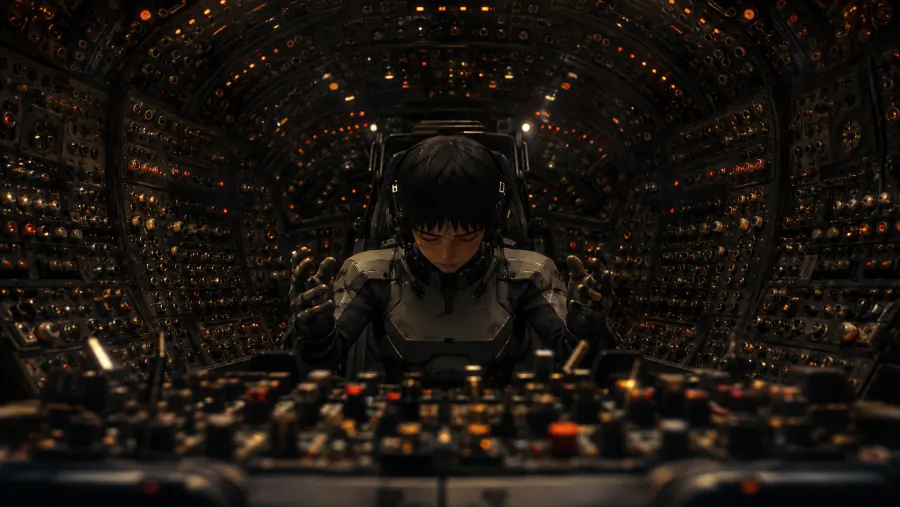 Control
“I'm prompt-engineering, not directing.”
The skill you are actually building is guessing which adjectives this checkpoint likes. None of it survives the next model.
Brief it, then direct it in words.
Say the product, the mood and the runtime in plain language. The script and the shot list get written with you in chat, and you push back on them the way you would with a producer. No syntax, no negative-prompt folklore.
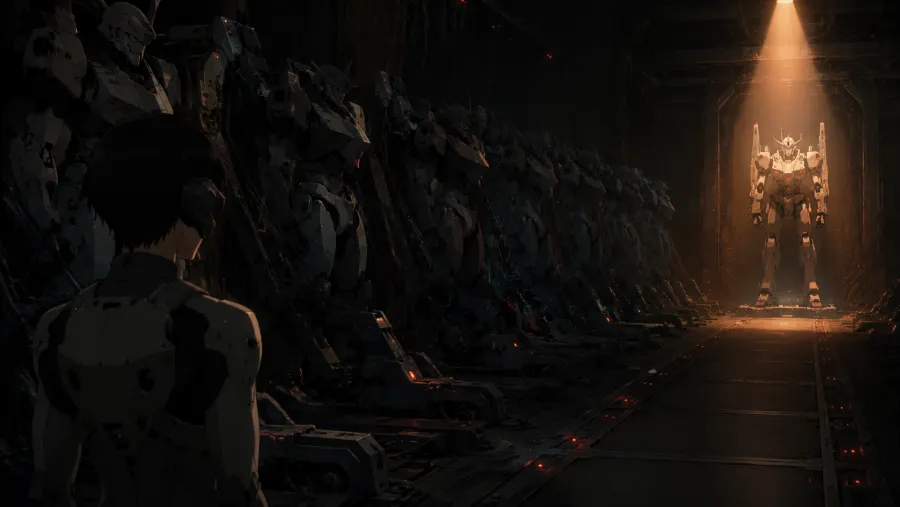 Cost
Cost
“The good take is the ninth one, and I paid for the eight before it.”
Re-rolling an entire scene to fix one bad second is the largest line on a generation bill, and you pay it every time.
Regenerate the shot, not the film.
Scenes are cut into single-subject shots before anything renders — the unit that comes out usable first time. When one still falls short you re-render that shot alone, and the other seventeen stay exactly as they were approved.
 Sound
Sound
“It comes out silent.”
A finished cut needs dialogue, score and effects. That is a second subscription, a third, and an afternoon lining them up against picture by hand.
Sound arrives mixed, with the picture.
Dialogue, score and sound design are rendered into each scene as it is made, in the take you approved. Nothing to license separately and nothing to sync by hand.
 Format
“Five seconds isn't an ad.”
Stitching forty loose clips into sixty seconds is an editing job, and the joins show: the light moves, the room changes, the story never starts.
The board knows it is one film.
You get scenes and shots on a board, not a folder of clips. A sixty-second spot holds one cast, one look and one story from first frame to last, because every shot was written against the same script.
See all five answered on your own idea. Start free, or see how the free storyboard works first.
Five faults, answered — and this is what came out the other side. Every shot scripted, cast, rendered and cut in one place. Counted from the database, updated daily.
Most AI tools stop at one clip
We are in the same room as the AI video generators. Here is where that leaves us, honestly.
- Frame-by-frame control. The single-clip generators give you finer control over one shot than we do, and the pricing page says so too.
- The newest model, first. A studio built around one model ships its newest version the day it lands.
- You get a whole film, not one clip. It writes the script, casts it and plans every shot before anything renders.
- The same face and the same place come back. Tag a character or a location once and use that tag in any shot.
- Sound arrives with the picture — dialogue, score and effects mixed into the take you approved.
- Wire a pipeline in Spaces, then run the same one for the next batch instead of starting over.
The full comparison, with prices and dates, is on the pricing page.
The ones people actually ask
Your first film starts with one idea
Make a free account and build it on the board, frame by frame, then shot by shot. Not ready? See how the free storyboard works first.
No card for the free plan. You pay for what you render, never for a seat — see plans.