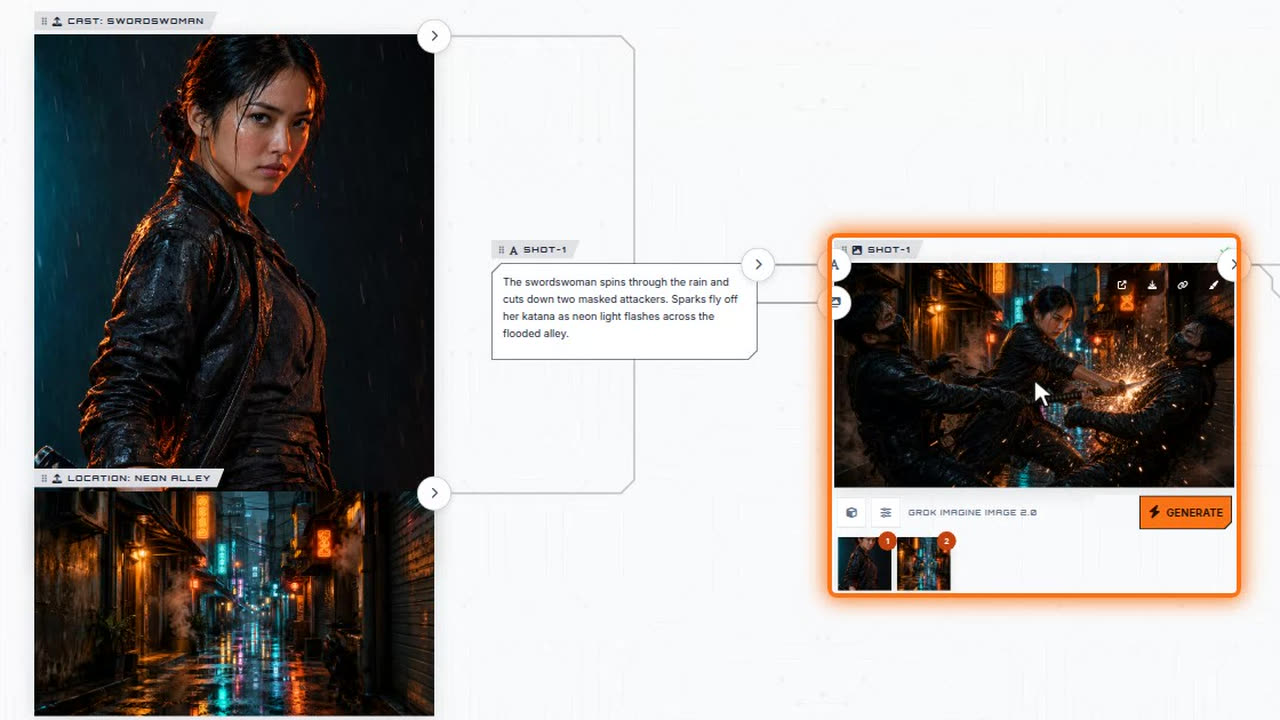
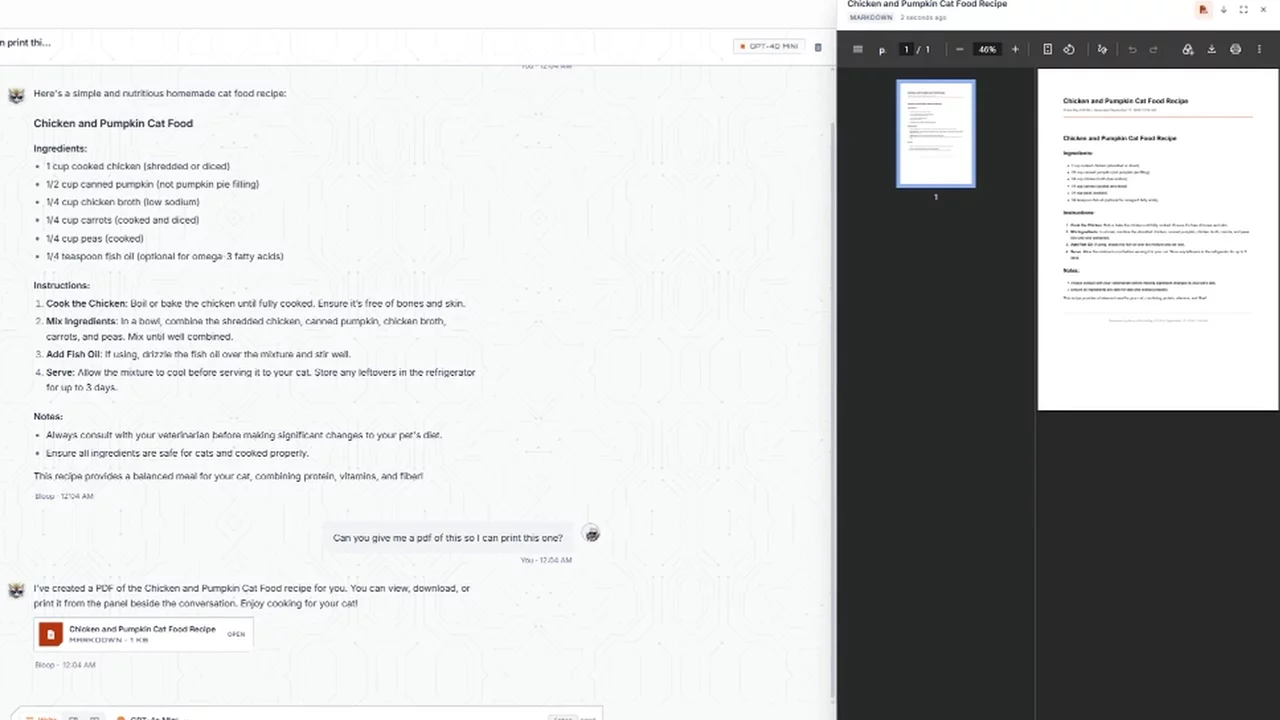
Describe the film.
Get the whole shot list.
Say it in plain words. In the Forge, the Director writes the script, casts it, builds the board, and renders every shot with the sound already mixed in. You direct it in chat, the way you would talk to a crew.
- Script to screen
- Consistent characters
- No card to start
Writing, casting and the shot list cost nothing — credits are spent only when a shot renders. Free-plan downloads carry a small MarketDragon watermark; Plus clears it and refreshes your credits monthly.
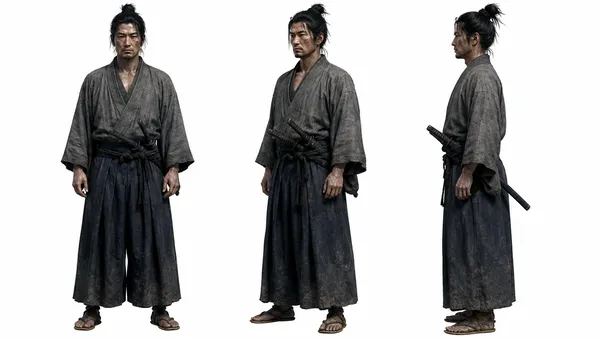
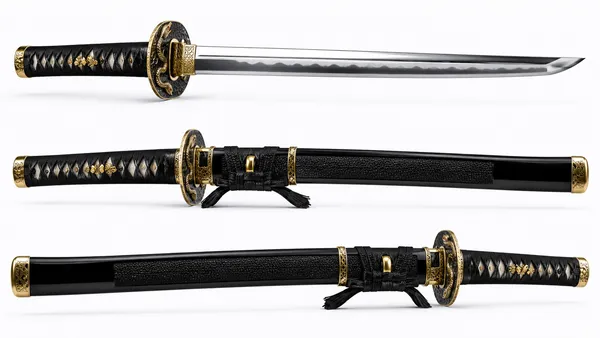
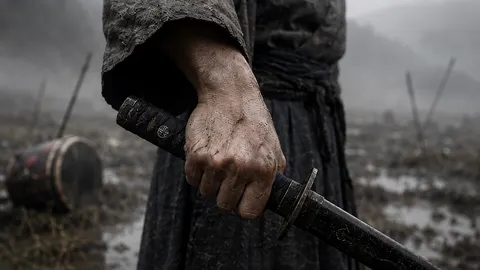
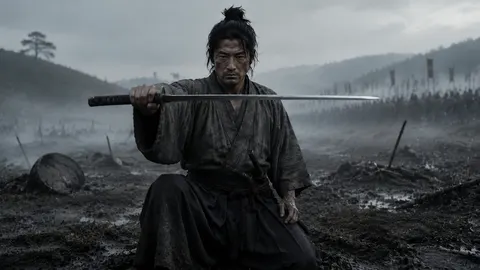
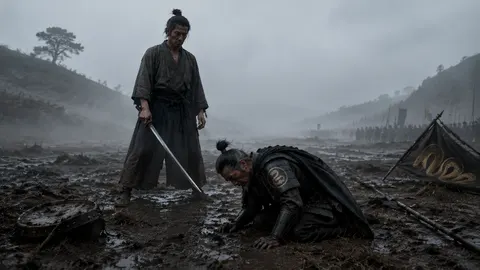
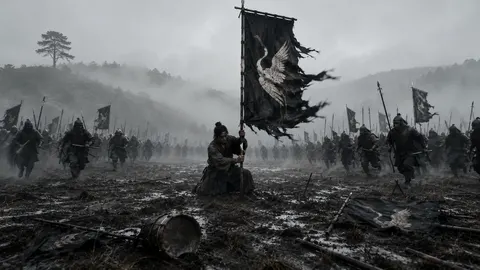
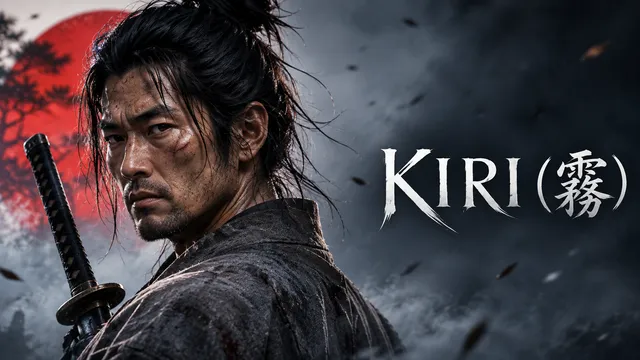
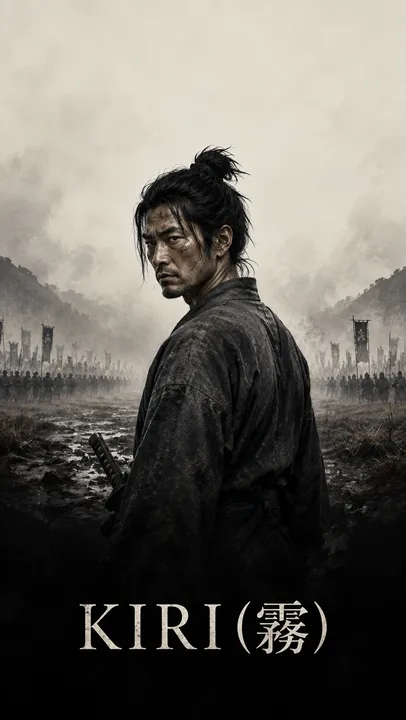
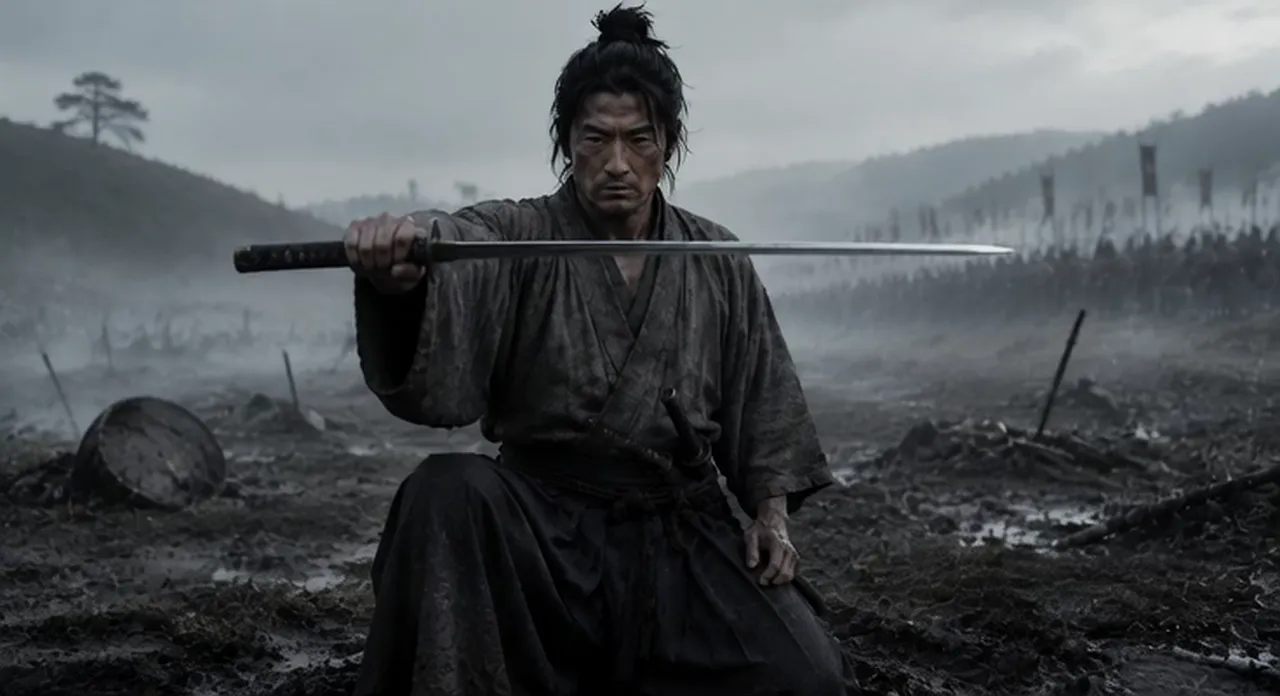
Brief: In the fog of Sekigahara, a lone samurai must choose which banner to serve — and one turn of his blade ends a war.
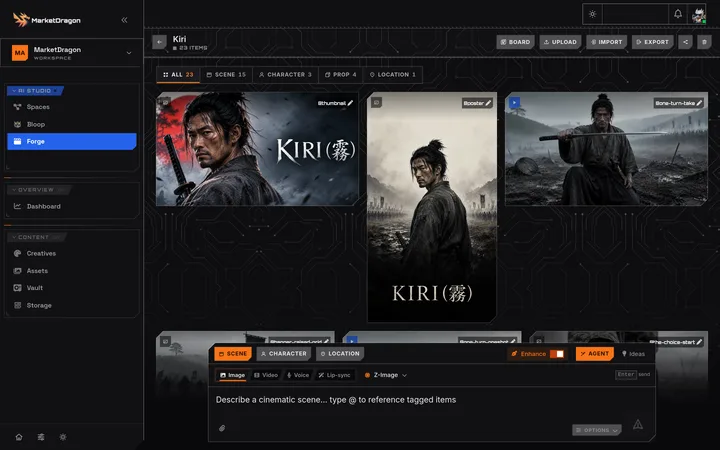
Real items and clip from Kiri, a film made in the Forge. A selection; layout illustrative.
One film, all the way through.
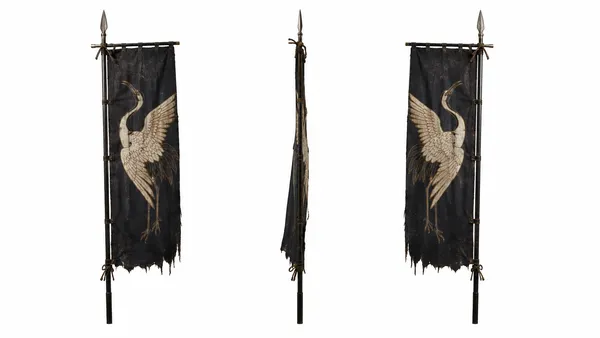
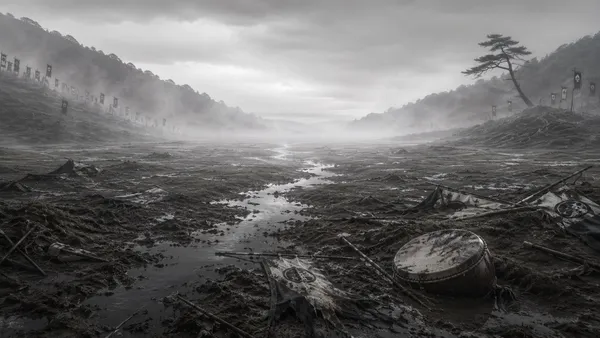
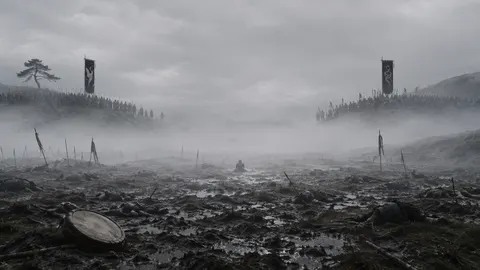
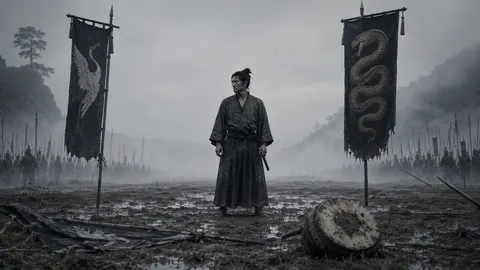
Kiri is a real film made in the Forge. Everything in the gallery above comes from it: the sheets, the scenes in story order, the title card, the poster and the rendered clip.
LoglineIn the fog of Sekigahara, a lone samurai must choose which banner to serve in the seconds that decide the fate of Japan — and one turn of his blade ends a war.
Cast, props and place, called by @tag in the scenes
-
Character
@kazuo
Kazuo, the lone samurai
-
Prop
@katsuragi-blade
Katsuragi's viper katana
-
Prop
@nobukata-banner
Nobukata's white crane banner
-
Location
@seki-plain
The fog-drowned plain
The scenes, in story order
-
01 Mist at dawn Setup
-
02 Between banners Setup
-
03 The choice Setup
-
04 One turn Confrontation
-
05 The fall Confrontation
-
06 Banner raised Resolution
Everyone has the film. Nobody has the crew.
The idea is the easy part. Everything between the idea and seeing it is the problem.
A produced spot costs more than an untested idea is worth. Change your mind after the shoot wraps and the meter starts again.
Brief, board, shoot day, edit rounds. Weeks for one piece — and you wanted to see whether it worked today.
So the idea gets shelved, or it ships as a still, and you never find out what the film would have done.
That gap is the real cost — the film you never got to see. The Forge closes it: describe the idea and watch the board build, before a quote would have come back.
Video used to mean a crew and a calendar
The Forge collapses pre-production, shooting and editing into a conversation.
- Storyboard by hand, hire a videographer
- Book talent, locations, and a shoot day
- Wait a week for an editor to cut it
- One change means re-shooting or re-rendering
- Describe the film in a sentence or two
- Get a full board of scenes, characters, and locations
- Render every shot — no crew, no shoot day
- Change your mind in chat and re-render just that shot
One idea in. A whole film plan out.
Watch a real idea go from one line to a full storyboard, then to a finished, narrated ad.
How a film actually gets made
From a one-line idea to downloadable scenes — this is the whole workflow, exactly as you'll see it.
Brief it like you'd brief a producer
Type the idea in plain language — the product, the mood, the runtime. The Director agent writes the script with you in chat: it drafts, you approve or push back, beat by beat. No template forms, no blank timeline.
- Works from a single sentence — it asks for what it needs
- You approve the script before anything renders
The storyboard builds itself
The moment you approve, the Director breaks the script into scenes — story beats, each with its own shots, camera direction, and dialogue. The storyboarding that used to eat a week of pre-production appears on the board in about a minute.
- Every scene carries its beat, duration, and shot list
- Camera direction written per shot — wide, close-up, handheld
Lock the cast and locations
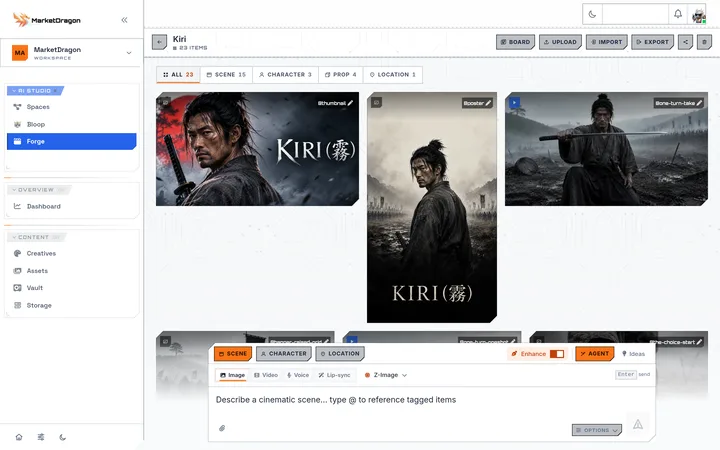
Generate each character and location once — or upload a reference photo of a real person, product, or place. From then on they're an @tag: type @maya in any shot and the same face shows up, every time.
- Pick the image model per card, regenerate until it's right
- Voices lock too — a character sounds the same in every scene
Render the board — no shoot day
The Director renders shot by shot, on the model you picked. The board fills in while you watch — every card shows exactly where it is, and each scene arrives with its dialogue and soundscape already mixed in.
- Your pick of model, per shot — change it on one shot without redoing the rest
- Sound, dialogue, and music baked into every scene render
Polish the weak shots, then ship
A shot came out wrong? Say so, the way you'd tell an editor — and only that shot re-renders. You can even ask the agent to QA the whole board and fix what falls short. When every scene is green, download the finished clips, sound already mixed in.
- Regenerate one shot without touching the rest of the film
- Every scene downloads as a finished clip, sound already mixed in
A real studio, not a single clip button
Everything a director needs to go from idea to finished film.
Build and revise the whole film by talking to it. No node graphs, no timeline wrangling.
Characters and locations stay recognisable across every shot through @tag references.
Scenes break into single-subject shots — the render unit that keeps every frame on-brief.
Choose the model on a shot yourself, and change it on that one shot without redoing the rest of the board.
A series bible keeps cast and style canonical across episodes, so a campaign stays coherent.
Ask the Director to scan the board and rewrite the prompts that fall short — then regenerate just those.
Made for the people who have to make it
The pieces people actually ask you for, without a production budget behind them.
"The launch is Friday and there is no shoot day."
Product spots and promos rendered to brief, in the shape you need them.
"I need it this week, not next quarter."
Vertical pieces built for a phone screen from the first shot, not cropped down to one.
"The story needs the same faces from first frame to last."
Longer narrative pieces where a consistent cast and one look carry the story.
Questions, answered
Direct your first film
Start free, describe the idea and watch the board build. Or see how the free storyboard works first. Credits are spent only when a shot renders.