AI Personas
Create AI chatbot personalities that respond to customers on your behalf
AI Personas let you create intelligent chatbot personalities that can respond to customer messages automatically. Unlike simple auto-responders, personas understand context and hold natural conversations.
Accessing AI Personas
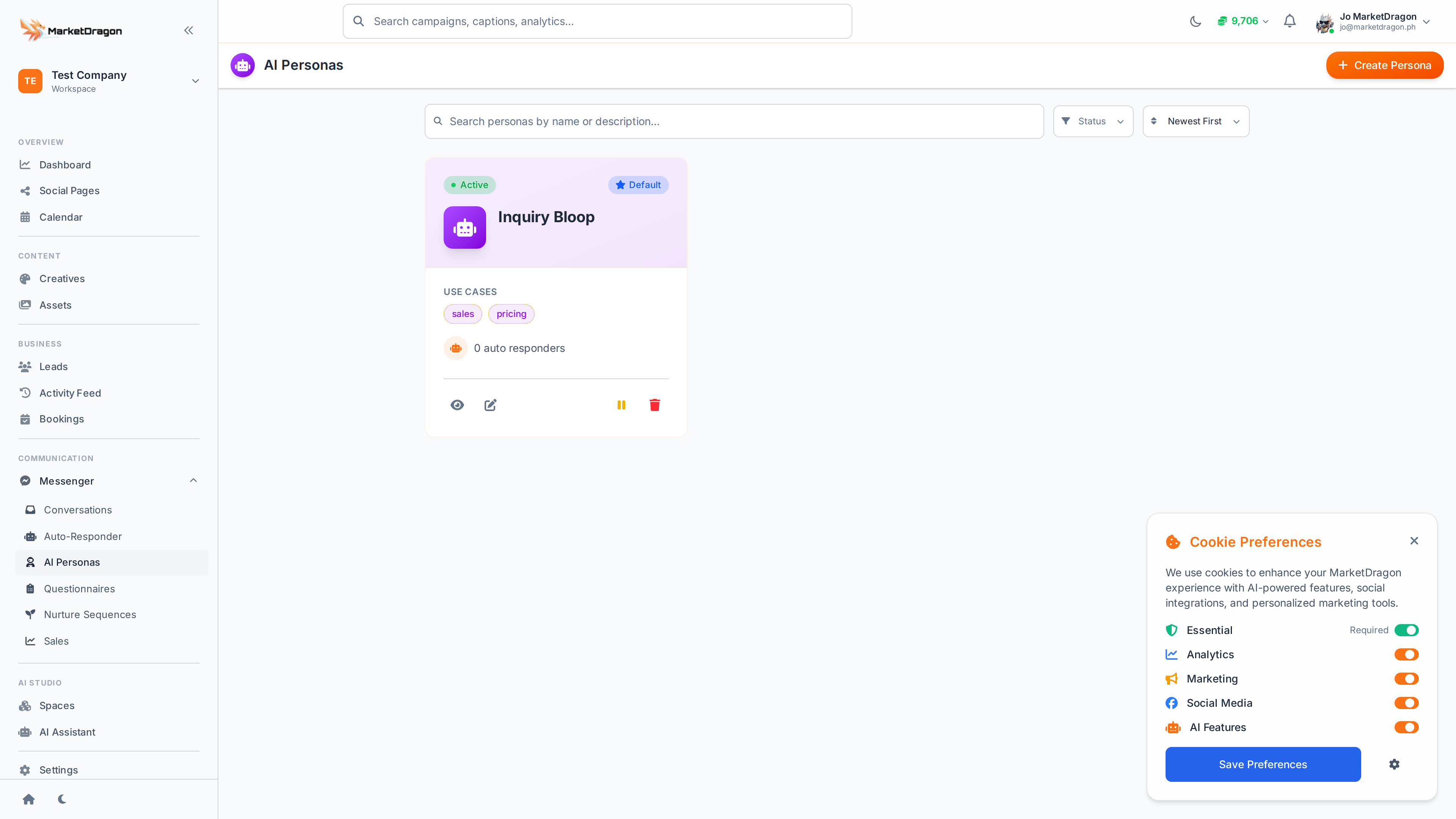
Click AI Personas in the sidebar to view and manage your personas.
What is a Persona?
A persona is an AI-powered chatbot with a defined personality, knowledge base, and set of rules. When a customer messages your page, the persona can respond naturally based on its configuration.
Creating a Persona
- Click Create Persona
- Configure the persona:
- Name -- A label for your reference (e.g., "Friendly Sales Rep")
- Personality -- Describe the tone and style (e.g., "Professional but warm, uses first names")
- Knowledge -- What the persona knows about your business (products, services, hours, policies)
- Instructions -- Rules for behavior (e.g., "Always suggest booking a call for pricing questions")
- Assign the persona to one or more connected pages
- Click Save
How Personas Respond
When a customer sends a message:
- The AI reads the conversation history for context
- It applies the persona's personality and knowledge
- It generates a response that sounds natural and on-brand
- The response is sent to the customer
Managing Personas
- Edit -- Update a persona's personality, knowledge, or page assignments
- Disable -- Turn off a persona temporarily without deleting it
- Delete -- Remove the persona permanently
Personas vs. Auto-Responders
| Feature | Auto-Responder | AI Persona |
|---|---|---|
| Trigger | Keyword match | Any message |
| Response | Fixed text | AI-generated |
| Context | No | Yes, reads history |
| Personality | None | Configurable |
Tip: Start with an auto-responder for simple FAQs and layer in an AI persona for more complex conversations.
Next Steps
Video tutorial coming soon
A video walkthrough for this tutorial is being produced. Switch to Read mode for the full written guide.