Beginner
4 min read
AI Assistant
Chat with AI to generate content ideas, strategy, and copy
The AI Assistant is a conversational AI tool built into MarketDragon. Ask it anything related to your content strategy, copywriting, or business planning, and it provides helpful responses.
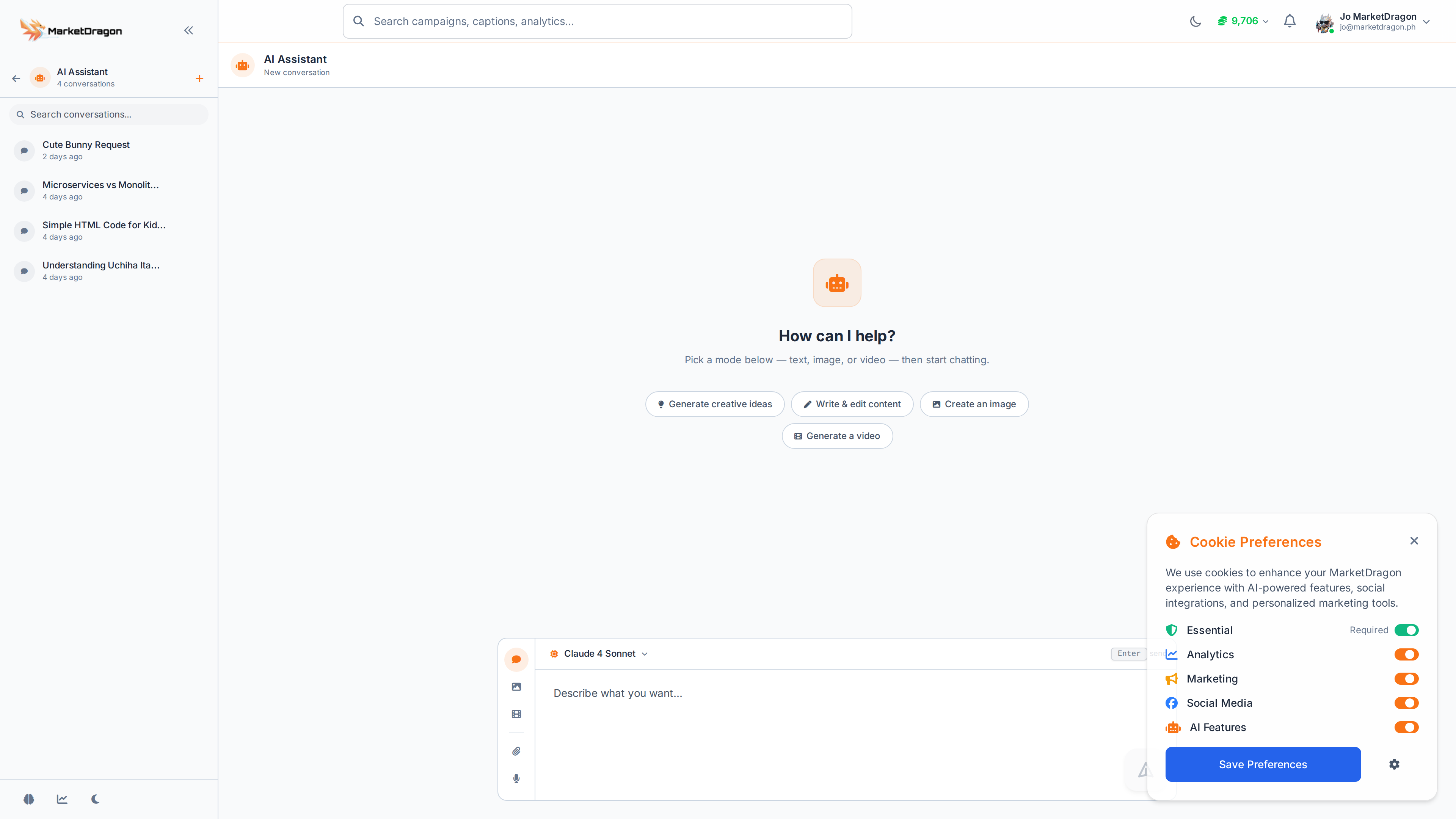
Accessing the AI Assistant
Click AI Assistant in the sidebar to open the chat interface.
What You Can Do
Content Generation
Ask the assistant to write content for you:
- "Write a Facebook post announcing our summer sale"
- "Create 5 Instagram caption ideas for a new product launch"
- "Draft a professional response to a customer complaint"
Strategy and Planning
Get strategic advice:
- "What types of content work best for a fitness brand on Instagram?"
- "Suggest a posting schedule for a new Facebook page"
- "What hashtags should I use for a restaurant in London?"
Copywriting Help
Refine your existing copy:
- "Make this caption more engaging: [paste your text]"
- "Shorten this post to under 100 words"
- "Rewrite this in a more professional tone"
Using the Chat
- Type your message in the text box at the bottom
- Press Enter or click Send
- The AI responds in the chat thread
- Continue the conversation to refine or expand on the response
Tips for Better Results
- Be specific about what you need (platform, tone, length)
- Provide context about your business or audience
- Ask follow-up questions to refine the output
- Copy generated text directly into your post editor
Tip: Use the AI Assistant to brainstorm content ideas, then build the visuals in Spaces or the Creatives library.
Next Steps
Signal pending
Video walkthrough not recorded yet
Switch back to Read for the full written guide — it is complete.