AI Real Estate Video: 9 Prompts You Can Copy (Free)
Nine tested prompts for an AI house tour video, three rules for writing them, and the last-frame trick that keeps the same house from room to room.

If you list homes in the Philippines, you post on Facebook every day. A drone and a videographer for every listing is not realistic.
Here is a free option for mood and concept tours: nine short prompts that make a nine-shot AI house tour. Drone reveal, through the front doors, living room to kitchen, stairs to bedroom, bathroom, balcony, a dive to the pool, pool lights at dusk, and a night pull-back. No camera crew.
Sample AI property video, not a real listing. The video and narrator voice are AI-generated.
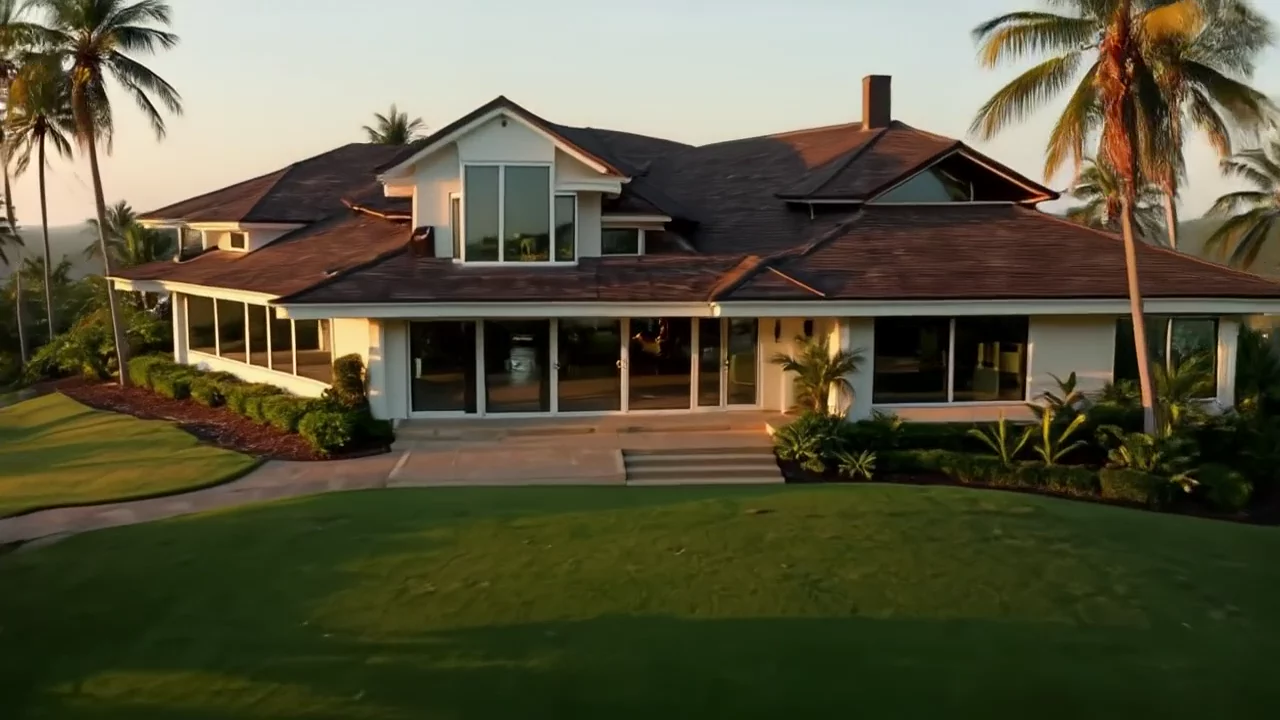
These prompts are plain English, so they work with any AI video model that does text to video or image to video. Results differ from model to model, so expect to adjust a word or two.
The 3 rules
Every prompt below follows the same three rules.
- One camera move per shot. "Glides forward and tilts down" is one move. "Zooms in while spinning while flying up" is a mess.
- Describe the action in order. Say what happens first, then next, then last. The model reads it like a short script.
- Light and look at the end. Finish with the time of day and the style, such as "golden-hour sunlight, realistic real estate cinematography".
The last-frame trick
A house tour breaks when each clip invents a new house. The fix is simple.
Take the last frame of a clip and use it as the start image of the next clip. That is image-to-video: the model begins from a picture you give it, so the sofa, the floors and the light carry over. Same house, room to room.
When the chain breaks (a room comes out wrong, a wall bends, the style drifts), do not fight it. Restart that room with a fresh text-to-video prompt that names the walls, wood and light again. That is why prompts 4, 8 and 9 below are text-to-video.
Each prompt shows its mode. "Image to video" means: start image = last frame of the previous clip.
The 9 prompts
All nine were rendered, so they are tested. Copy them exactly.
1. Drone reveal (text to video)
A slow aerial drone shot rising over palm trees on a steep green hillside to reveal a modern two-storey tropical house with white walls, wide glass windows and a dark wood roof, above a calm lake. The camera glides forward and tilts down toward the front lawn and the open glass doors. Golden-hour sunlight, soft long shadows, light haze over the water, realistic real estate cinematography, sharp detail.
Why it works: start wide so viewers know where they are.
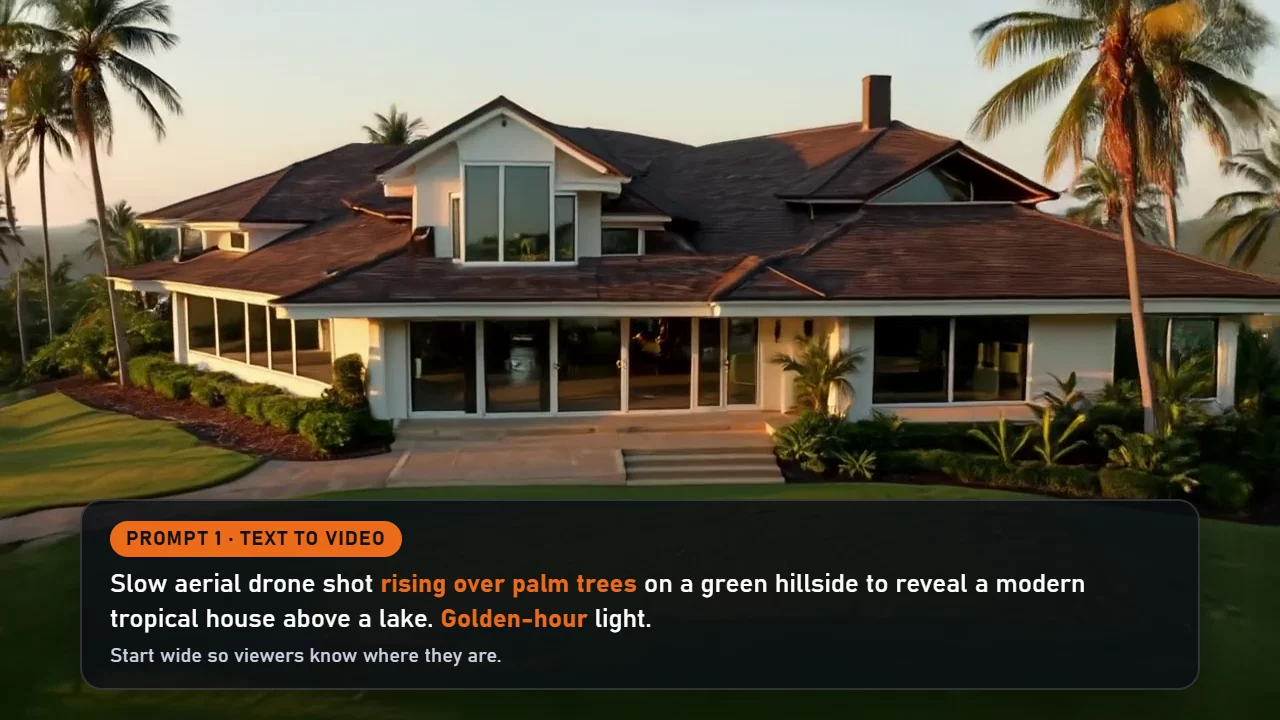
Download prompt card 1 (image)
2. Through the front doors (image to video)
A fast first-person drone flight. The drone dives from the front lawn straight toward the open glass doors of the modern white tropical house, speeds up, and flies through the doorway into the bright living room, then slows down and glides past the cream sofa. Dynamic FPV drone motion, slight motion blur, smooth and continuous, golden-hour light, realistic real estate cinematography.
Why it works: it starts from the last frame of clip 1, so the house matches.
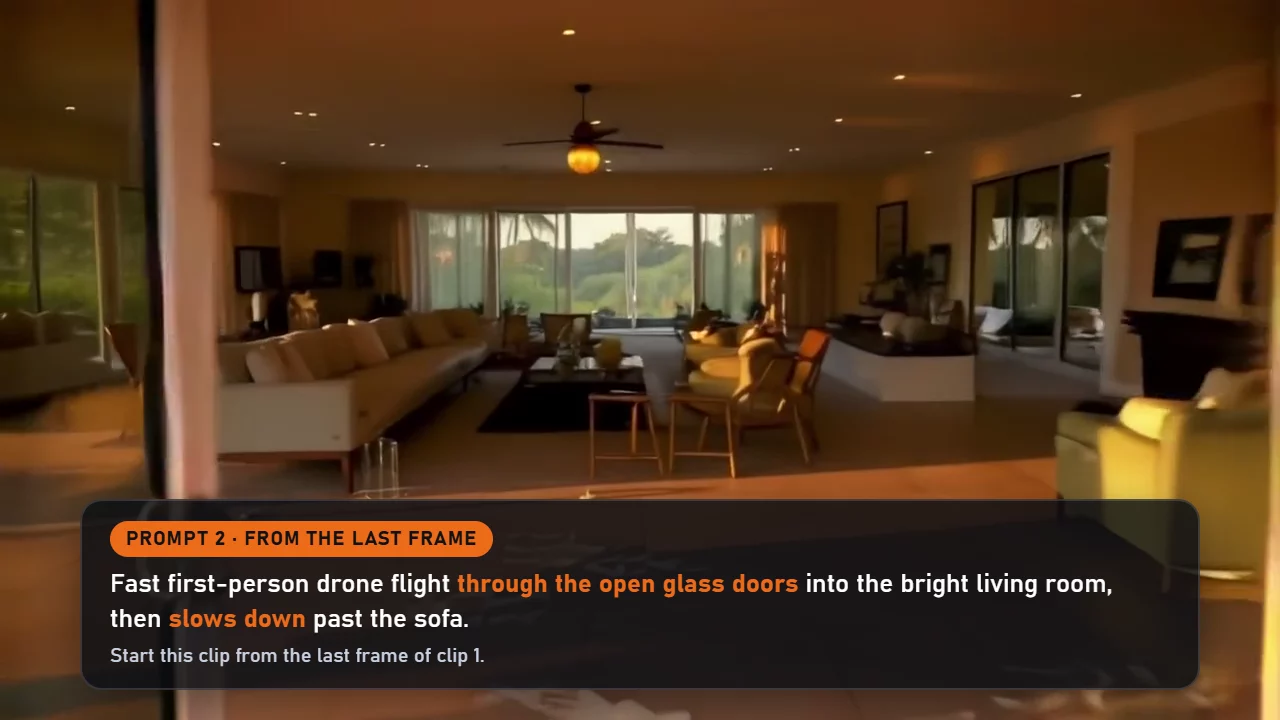
Download prompt card 2 (image)
3. Living room to kitchen (image to video)
The drone glides across the bright living room past the cream sofa and turns toward an open kitchen with a white marble island and light wood cabinets. On the island, steam rises from a white coffee mug in the sunlight. Smooth, continuous first-person drone flight.
Why it works: one small detail, like steam, makes the room feel lived in.
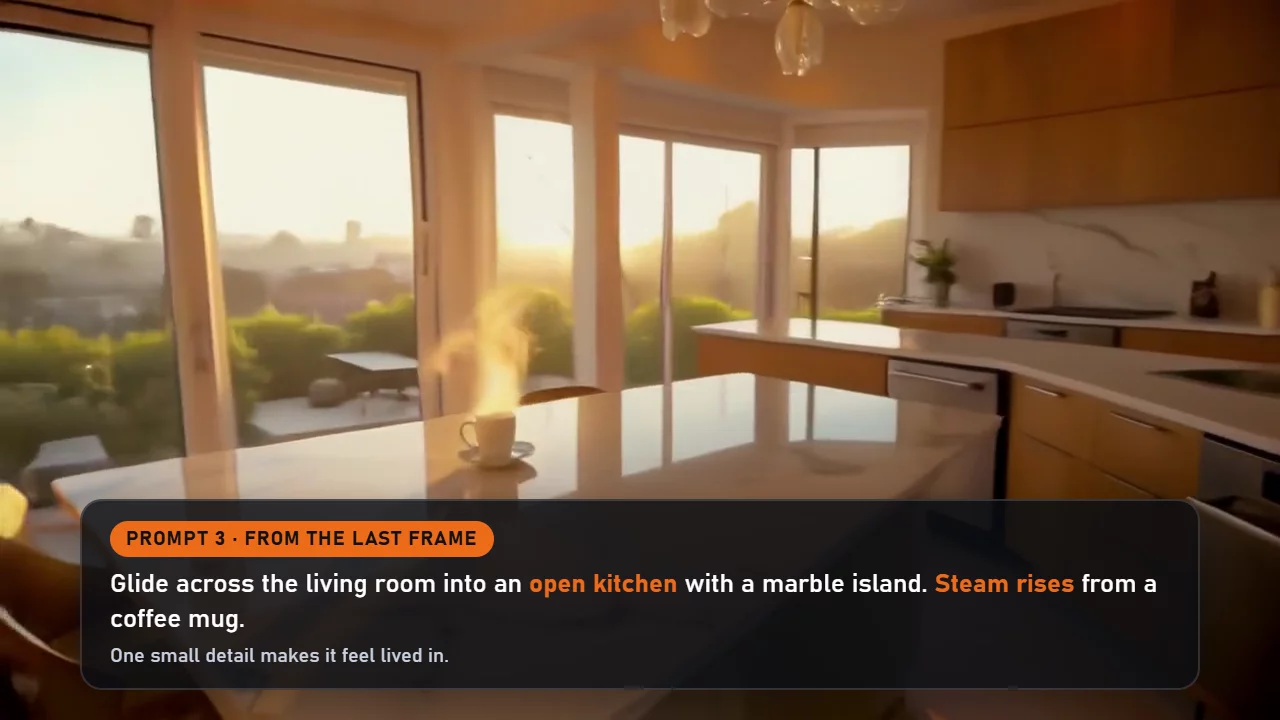
Download prompt card 3 (image)
4. Up the stairs to the bedroom (text to video)
A smooth first-person drone flight up a floating wooden staircase with glass railings inside a modern tropical house with white walls and dark wood ceiling beams. At the top the drone glides through an open doorway into a calm master bedroom with a large bed in white linen and sheer curtains moving gently in front of tall windows. Warm golden-hour sunlight, realistic real estate cinematography, steady and fluid.
Why it works: new room, new start. It says where the camera goes, in order.
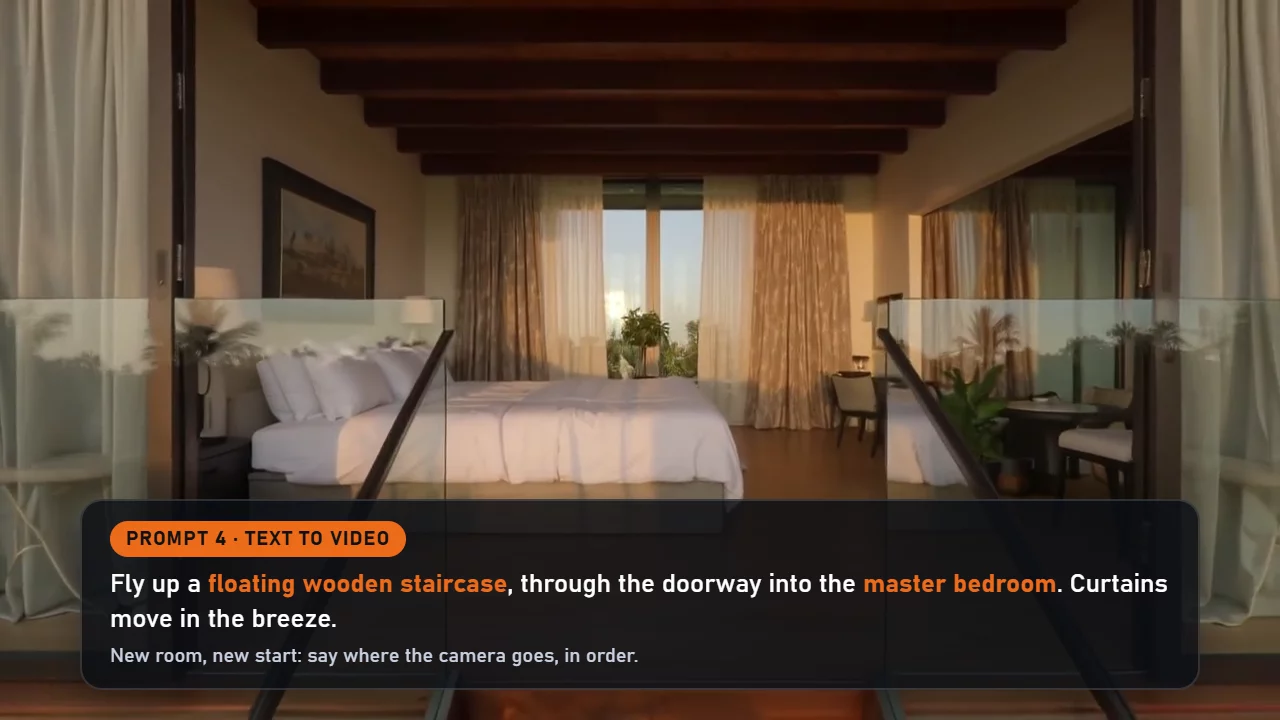
Download prompt card 4 (image)
5. Bedroom to bathroom (image to video)
The drone glides past the bed and through an open doorway into a spa-like bathroom with a freestanding stone bathtub, a glass rain shower, warm wood details and green plants, soft daylight from a tall window. Smooth, continuous first-person drone flight.
Why it works: it names two or three materials, so the room gets a clear look.
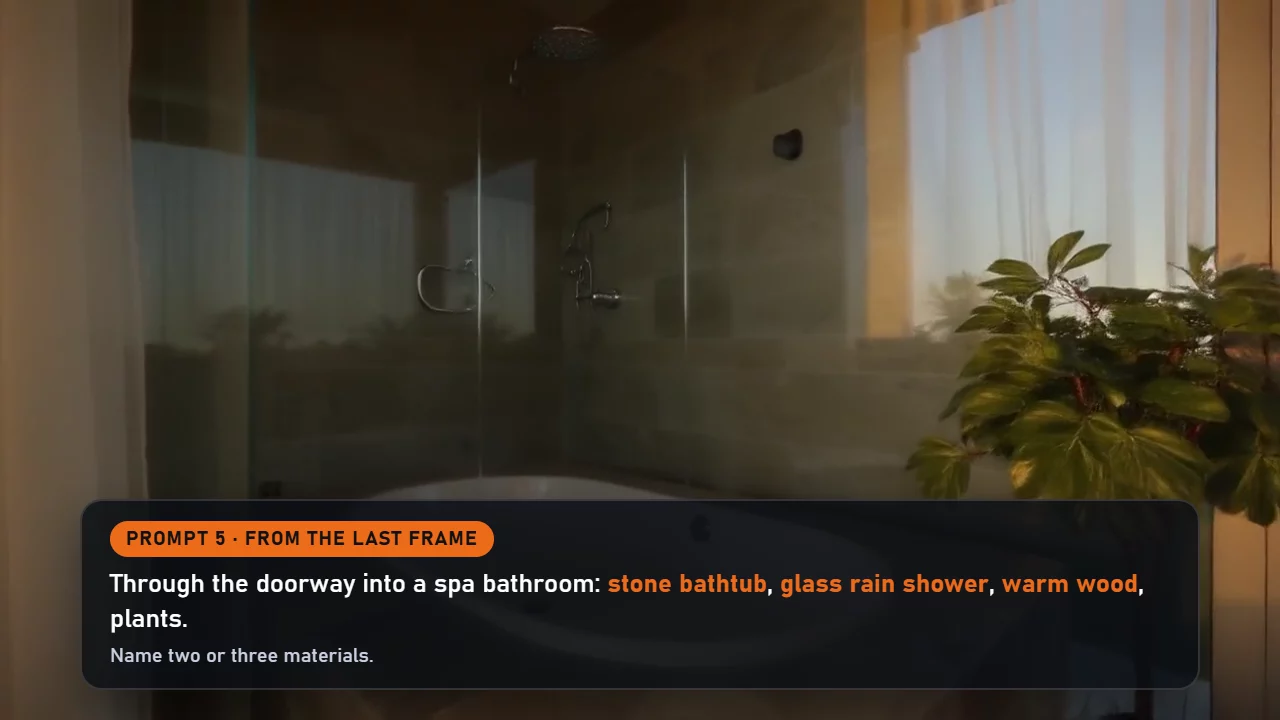
Download prompt card 5 (image)
6. Out to the balcony (image to video)
The drone turns back out of the bathroom and flies through the bedroom's open sliding glass door onto a wide balcony, revealing a view of green hills and a calm lake glowing in the sunset. Smooth, continuous first-person drone flight.
Why it works: let the view do the selling.
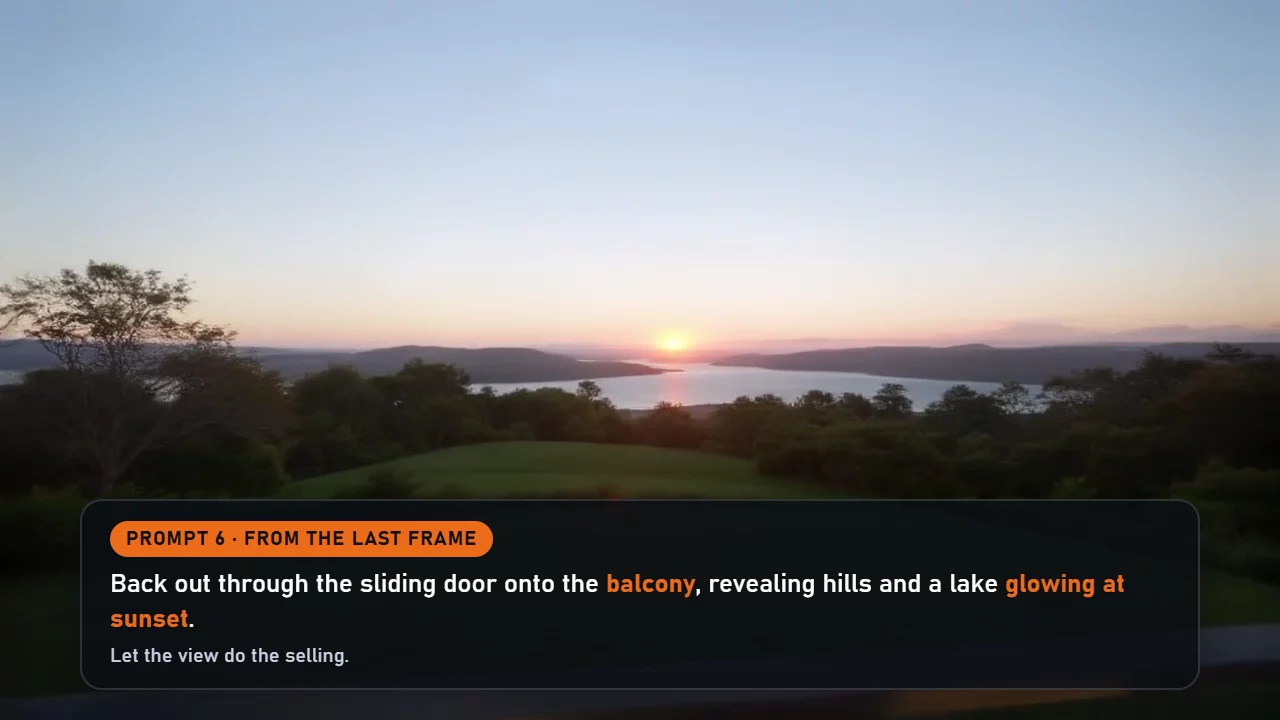
Download prompt card 6 (image)
7. Dive to the pool (image to video)
The drone dives over the balcony railing and swoops down toward an infinity pool on the terrace below, skimming low over the water at sunset. Fast, thrilling FPV dive with slight motion blur. Smooth, continuous first-person drone flight.
Why it works: save the fast move for the end of a sequence.
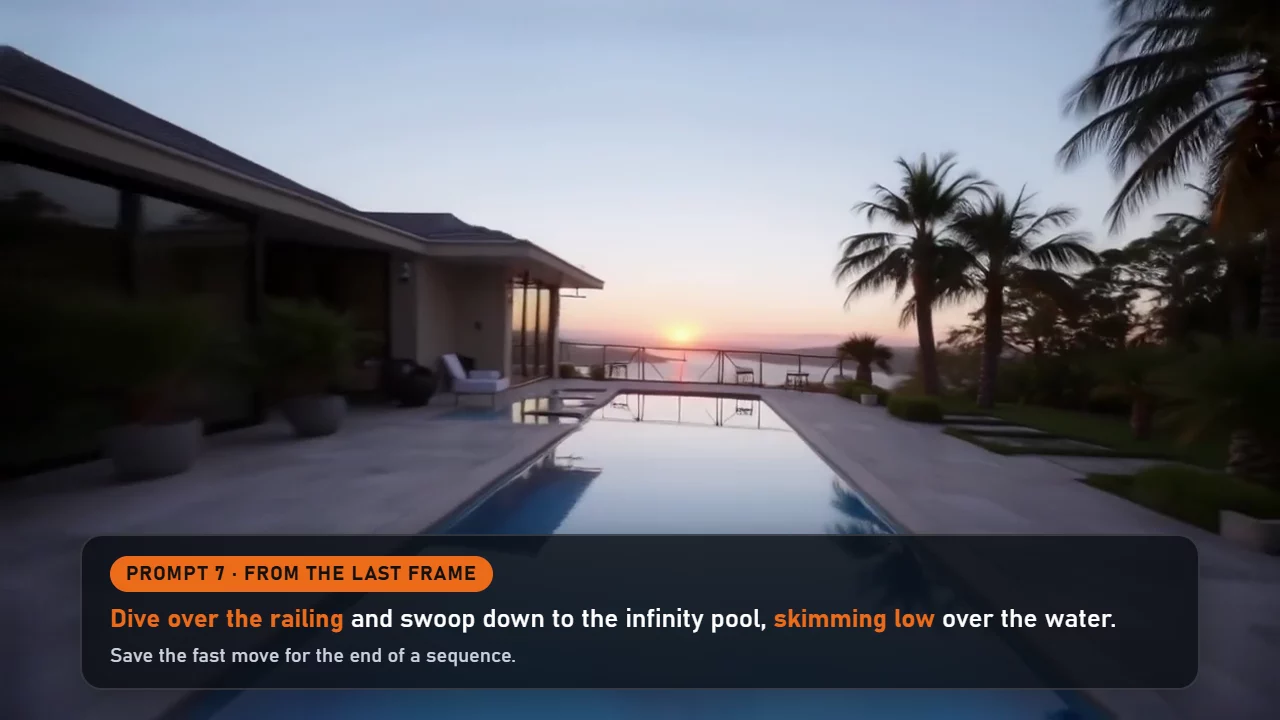
Download prompt card 7 (image)
8. Pool lights at dusk (text to video)
A wide shot of an infinity pool beside a modern tropical house at dusk. At first the pool is dark and still and all lights are off. Then the underwater pool lights switch on one by one from left to right and the water starts to glow turquoise against a purple and orange sky. The camera moves slowly along the edge of the pool. Calm water reflections, luxury real estate look, cinematic.
Why it works: write the "before" first, so the change can happen.
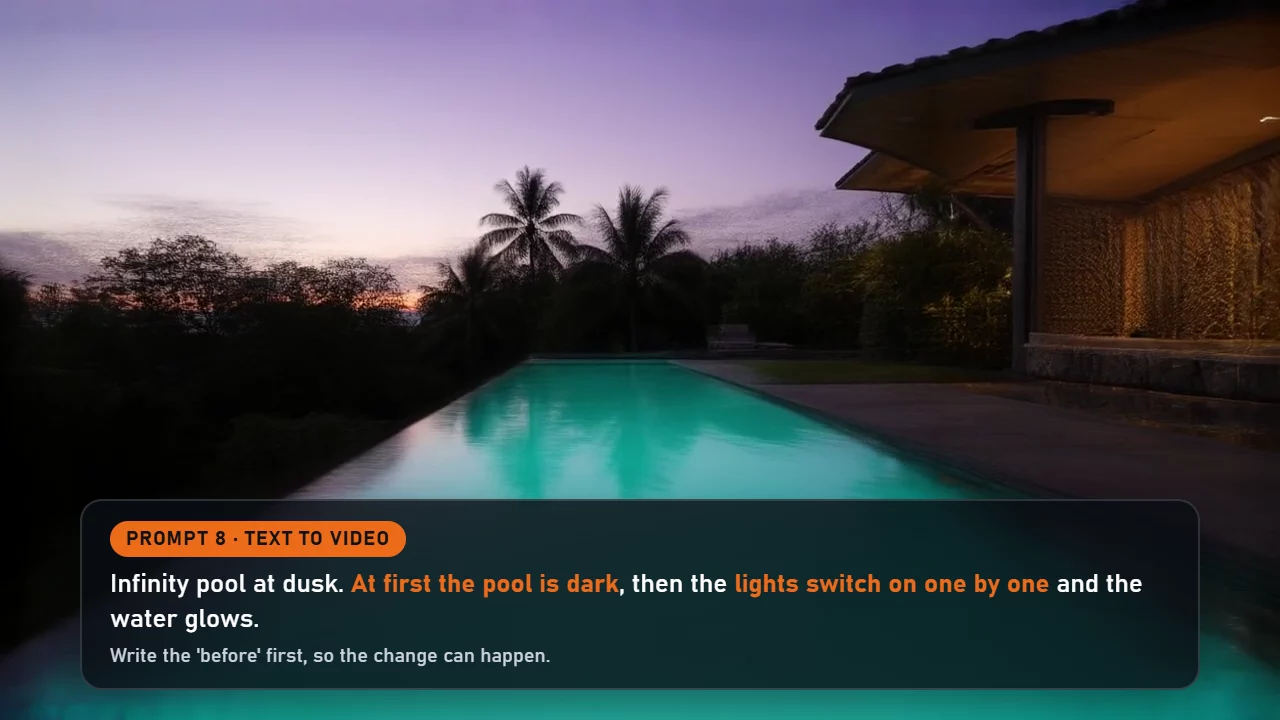
Download prompt card 8 (image)
9. Night pull-back (text to video)
A slow pull-back from a modern white two-storey tropical house with a dark wood roof at night. Warm lights glow in every window, garden lamps light a stone path, the pool glows turquoise and stars appear above the hills. The camera drifts back and up until the whole house sits small in the frame. Quiet, warm, inviting, realistic night real estate cinematography.
Why it works: end on a pull-back and the tour feels finished.
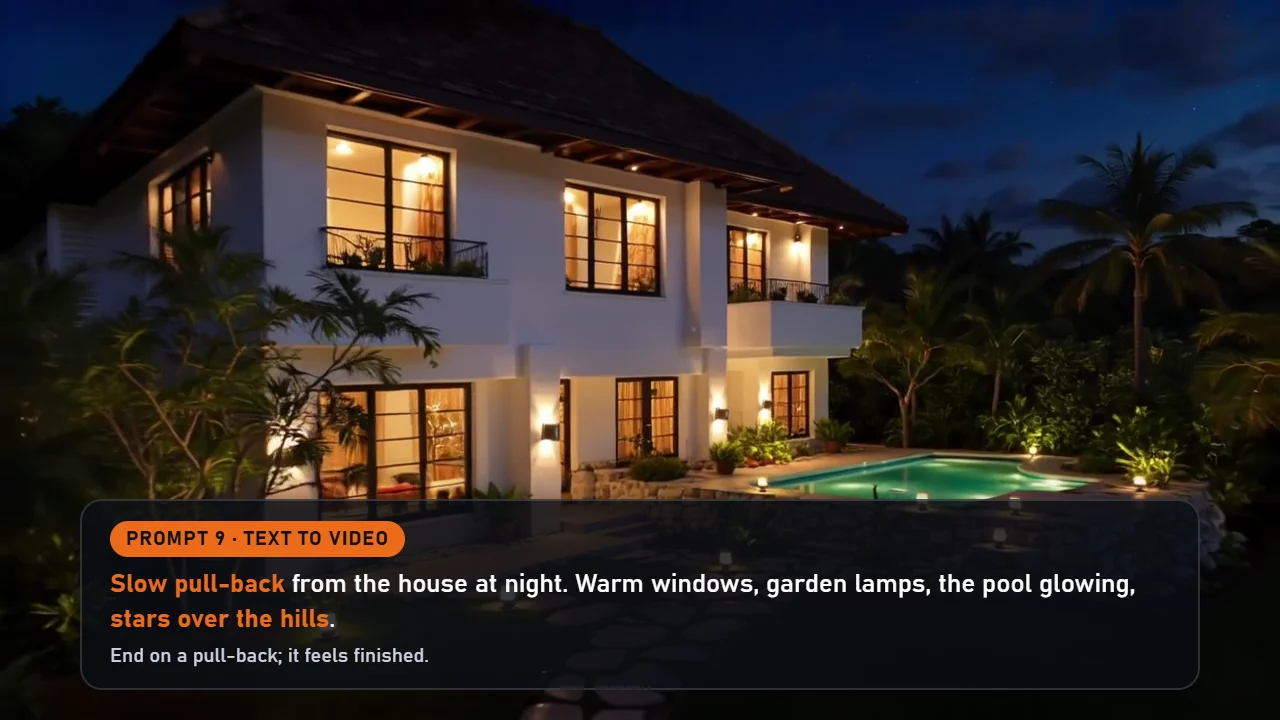
Download prompt card 9 (image)
Negative prompt
If your tool has a negative prompt field, use this on every clip:
people's faces, crowd, text, subtitles, watermark, logo, distorted architecture, warped lines, bent walls, melting, flicker, cartoon, low quality, blurry, music
Tips for property sellers
AI video can help sell a place. It can also mislead buyers, so keep it honest.
- Label it as AI. Say so on the video and in the caption: "AI concept tour, not the actual property."
- Never present it as the real property. A buyer who arrives to find a different house will not trust you again.
- Use it as a mood or concept tour. It works well for pre-selling a development, showing a lifestyle, or imagining a renovation.
- Keep the real listing photos for facts. Room sizes, finishes, views and condition belong in real photos and the real floor plan.
- Check your local rules. Advertising rules for property apply to AI content too.
Try it yourself
Copy a prompt, change the house to match your style (a condo, a beach lot, a townhouse), and chain your clips with the last-frame trick.
Want a start image for every shot, plus a printable PDF of all nine prompts and the three rules? Get the free prompt pack.
More free prompts are coming on the MarketDragon blog. Want to make AI images and video for your own brand? Start free on MarketDragon.
Keep reading
Same shelfBloop Studio Cloud Models: Render Without a Strong GPU by Signing In
How to use bloop's cloud models inside the free Bloop Studio app: who needs them, what the account adds, how free and paid plans differ, and how to mix cloud with your own GPU.
Run AI Video on Your Own GPU Without Learning ComfyUI
How Bloop Studio sets up ComfyUI and the models for you with one button, what it checks on your graphics card, and which cards can render pictures and video with sound.
Plan an AI Film as Cards: How the Bloop Studio Story Board Works
How the Bloop Studio board works: six card types, wires that make the story read left to right, first and last frames, and one cast and location wired into every shot.